Free spreadsheet template · Excel & Google Sheets
Free Social Media Content Calendar Template 2027
Consistency beats virality. A content calendar lets you plan a month of posts in one sitting, balance your content pillars and see which formats actually get engagement.
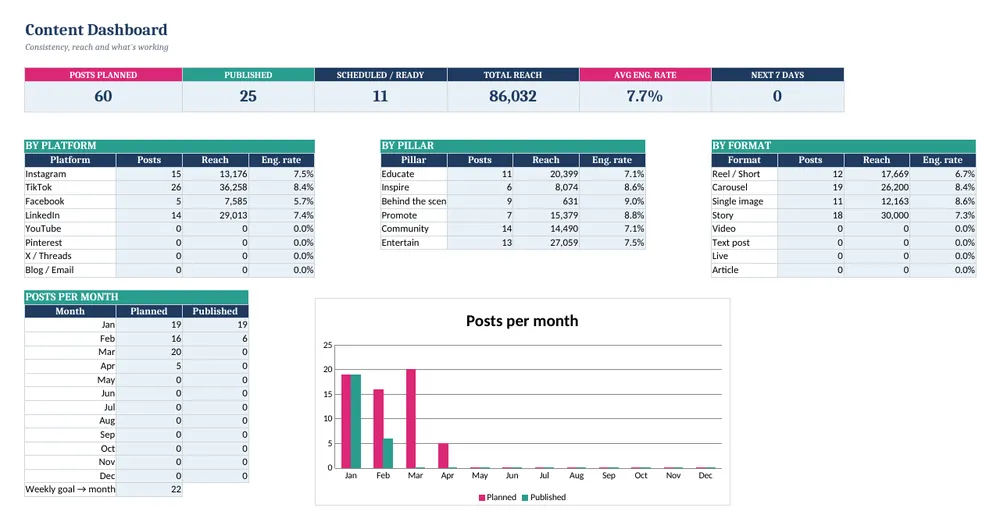
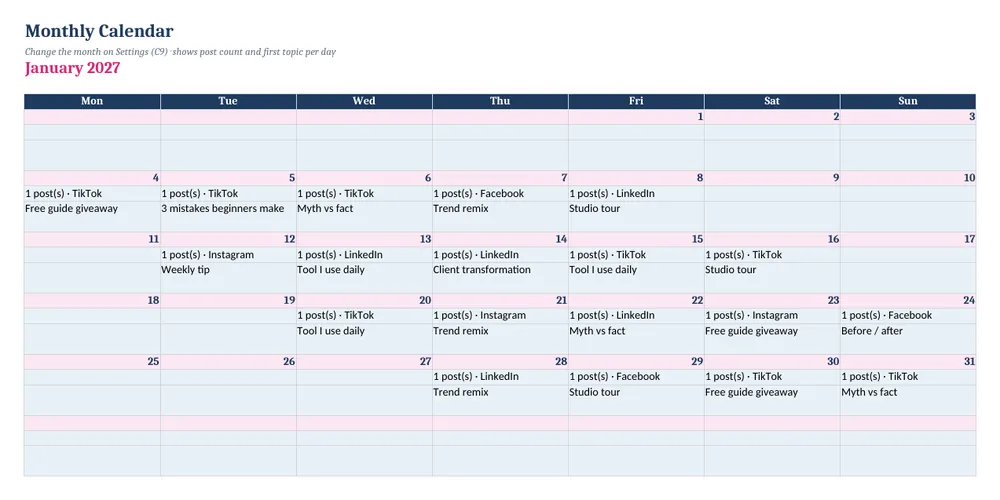
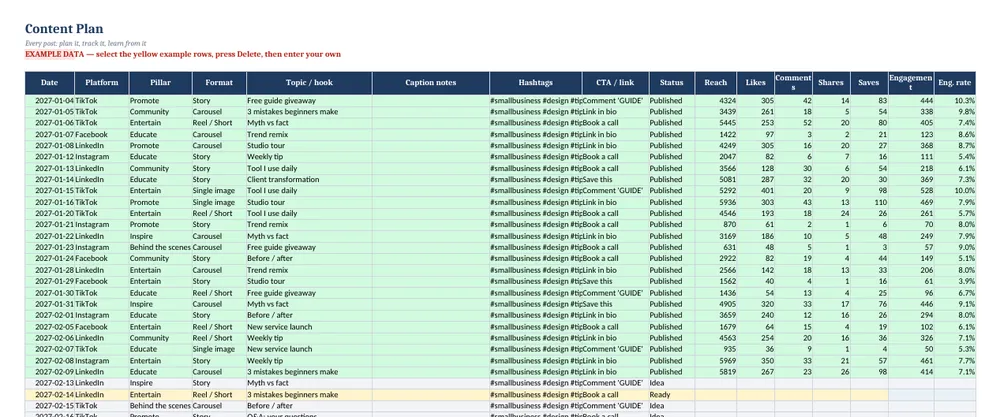
Screenshots show the full Social Media Content Calendar 2027. The free lite version uses the same layout and formulas, with fewer rows and no charts.
What’s in the free template
This free social media content calendar template is the lite version of our Social Media Content Calendar 2027. Plan posts, view them on a monthly calendar and log results — engagement rate calculates automatically.
The download contains these tabs:
- Instructions
- Settings
- Dashboard
- Content Plan
- Calendar
Yellow cells are your inputs and blue cells are protected formulas, so nothing breaks while you type. Example data is included so you can see the results immediately — replace it with your own numbers when you are ready.
How to use this social media content calendar template
Set up
On Settings, enter your brand, the year, a weekly posting goal and edit the platform, pillar and format lists.
Plan posts
On Content Plan, add the date, platform, pillar, format, hook and status for each post.
Check the calendar
The Calendar tab shows the month you pick with posts per day.
Log results
After publishing, add reach, likes, comments, shares and saves.
Learn
The Dashboard compares platforms, pillars and formats by engagement rate.
Tips for better results
- Batch-plan a whole month at once.
- Keep each content pillar between 15% and 30% of posts.
- Double down on the format with the best engagement rate.
Opening the file in Excel or Google Sheets
Microsoft Excel: open the downloaded .xlsx file directly — Excel 2010 or later on Windows or Mac works. If you see a “Protected View” bar, click Enable Editing.
Google Sheets: go to Google Drive, choose New → File upload, then open the file and pick File → Save as Google Sheets so you can edit and share it. LibreOffice / Numbers: open the file as normal. No macros, add-ins or internet connection are needed.
Free lite vs full version
The full calendar holds 500 posts and adds an idea bank, saved hashtag sets, charts and a quick-start PDF.
| Feature | Free lite | Full version · $5.99 |
|---|---|---|
| Posts in the content plan | 30 | 500 |
| Month calendar view | ✓ | ✓ |
| Engagement rate per post | ✓ | ✓ |
| Dashboard by platform, pillar & format | ✓ | ✓ |
| Idea bank & hashtag sets | — | ✓ |
| Charts | — | ✓ |
| Quick-start PDF guide | — | ✓ |
| Price | Free | $5.99 one-time |
Instant download. Secure checkout by Lemon Squeezy. Works in Excel, Google Sheets & LibreOffice.
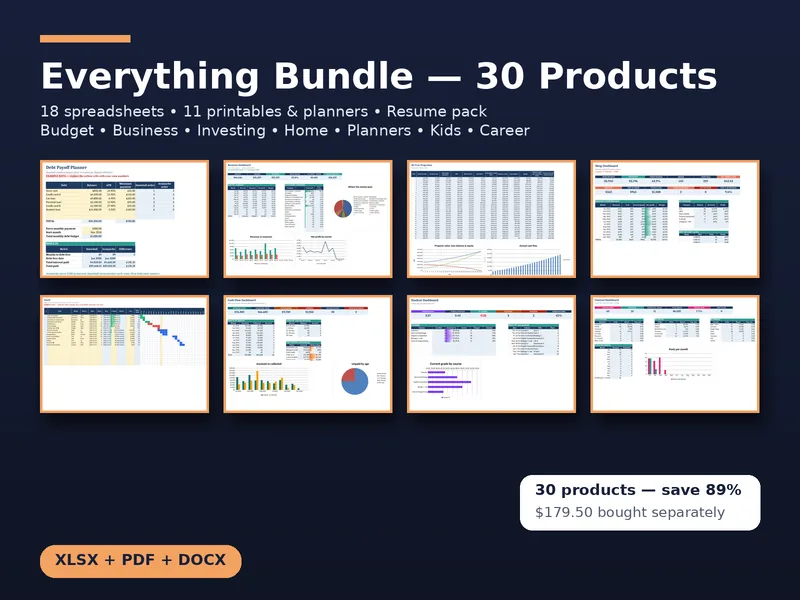
All 30 products · one download
CalcHub Everything Bundle (All 30 Products)
$18.99 $179.50 one-time · instant download
Every CalcHub product in one download: 18 spreadsheet templates (budget, savings, freelance, bookkeeping, invoice tracker, rental, short-term rental, dividends, wedding, online seller, job search, meal planner, habit tracker, renovation, travel, content calendar, project Gantt, student GPA), 11 printable planners and worksheet packs (incl. a hyperlinked 2027 digital planner, wedding, holiday and kids math), and the resume pack. All future updates included.
Get the bundle — $18.99Frequently asked questions
Which platforms does it support?
Instagram, TikTok, Facebook, LinkedIn, YouTube, Pinterest, X/Threads and blog/email — edit the list to add more.
Does it post for me?
No, it is a planning and tracking spreadsheet. Use it alongside your scheduler.
Is it free?
Yes, no sign-up. The lite version holds 30 posts.