Free spreadsheet template · Excel & Google Sheets
Free Invoice Tracker Spreadsheet
Late payments hurt small businesses more than slow sales. An invoice tracker shows at a glance who has paid, who is due this week and who is overdue — so you can follow up before cash gets tight.
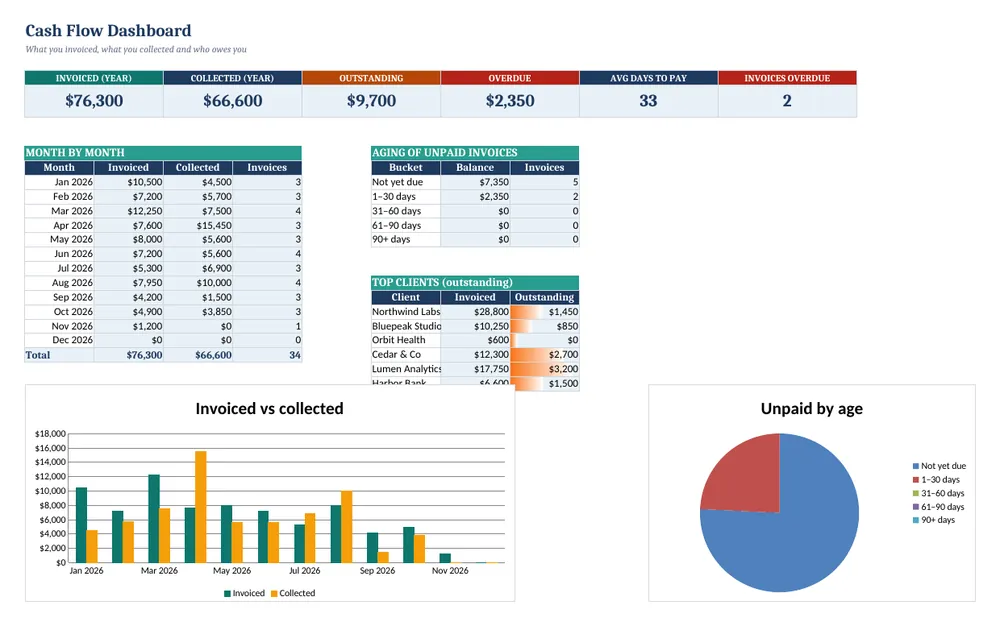
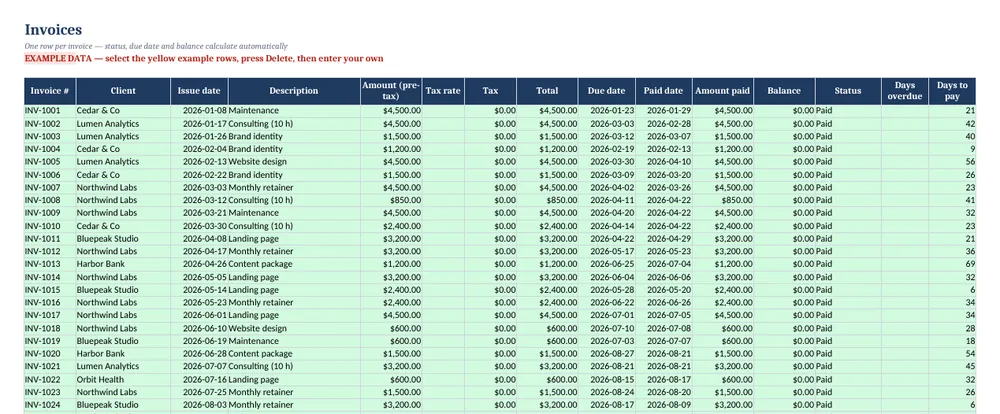
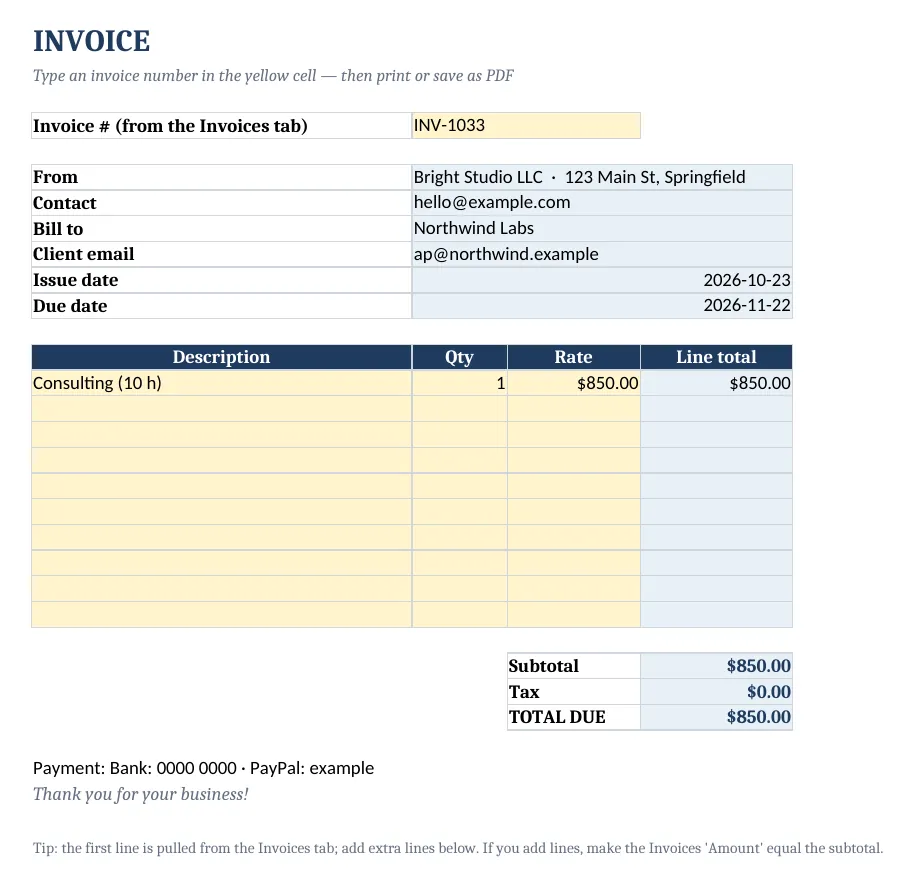
Screenshots show the full Invoice & Client Payment Tracker. The free lite version uses the same layout and formulas, with fewer rows and no charts.
What’s in the free template
This free invoice tracker spreadsheet is the lite version of our Invoice & Client Payment Tracker. Log invoices and payments and the sheet calculates totals, due dates from each client's terms, balances and status, with an aging report on the dashboard.
The download contains these tabs:
- Instructions
- Settings
- Dashboard
- Clients
- Invoices
Yellow cells are your inputs and blue cells are protected formulas, so nothing breaks while you type. Example data is included so you can see the results immediately — replace it with your own numbers when you are ready.
How to use this invoice tracker spreadsheet
Enter your settings
Add your business name, default payment terms and tax rate on Settings.
Add clients
List each client with contact details and their payment terms (blank = default).
Log invoices
On Invoices, enter the number, client, issue date, description and amount. Total, due date and status fill in automatically.
Record payments
When money arrives, add the paid date and amount — status changes to Paid or Partially paid.
Chase overdue invoices
The Dashboard shows outstanding and overdue balances and an aging report. Follow up on anything 1–30 days late first.
Tips for better results
- Shorter terms (14 days) get you paid faster — set them per client.
- Send a friendly reminder three days before the due date.
- Check the aging report every Monday.
Opening the file in Excel or Google Sheets
Microsoft Excel: open the downloaded .xlsx file directly — Excel 2010 or later on Windows or Mac works. If you see a “Protected View” bar, click Enable Editing.
Google Sheets: go to Google Drive, choose New → File upload, then open the file and pick File → Save as Google Sheets so you can edit and share it. LibreOffice / Numbers: open the file as normal. No macros, add-ins or internet connection are needed.
Free lite vs full version
The full tracker holds 400 invoices and 100 clients, adds a printable invoice generator, dashboard charts and a quick-start PDF.
| Feature | Free lite | Full version · $5.49 |
|---|---|---|
| Invoices with automatic status | 15 | 400 |
| Clients with balances | 6 | 100 |
| Overdue & due-soon alerts | ✓ | ✓ |
| Printable invoice generator | — | ✓ |
| Aging report & dashboard | ✓ | ✓ |
| Charts | — | ✓ |
| Quick-start PDF guide | — | ✓ |
| Price | Free | $5.49 one-time |
Instant download. Secure checkout by Lemon Squeezy. Works in Excel, Google Sheets & LibreOffice.
All 30 products · one download
CalcHub Everything Bundle (All 30 Products)
$18.99 $179.50 one-time · instant download
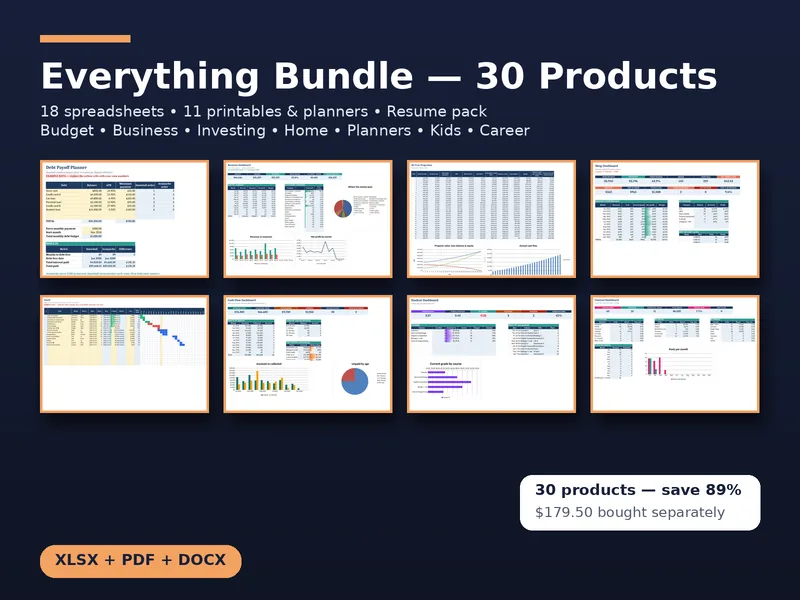
Every CalcHub product in one download: 18 spreadsheet templates (budget, savings, freelance, bookkeeping, invoice tracker, rental, short-term rental, dividends, wedding, online seller, job search, meal planner, habit tracker, renovation, travel, content calendar, project Gantt, student GPA), 11 printable planners and worksheet packs (incl. a hyperlinked 2027 digital planner, wedding, holiday and kids math), and the resume pack. All future updates included.
Get the bundle — $18.99Frequently asked questions
Can I create invoices with it?
The full version includes a printable invoice generator. The lite version tracks invoices you send from any tool.
Does it work in any currency?
Yes — change the cell number format to your currency.
Is it free?
Yes, no sign-up. The lite version tracks 15 invoices and 6 clients.